How to Write AI Video Prompts: A Simple 5-Part Formula
A 5-part formula for AI video prompts that come out right: subject, action, setting and light, camera, style and sound. Works in Kling, Seedance, Google Flow and other tools.
Most AI clips that “fail” don’t fail because the tool is weak, but because the prompt is vague. Whether you use Kling, Seedance or Google Flow, a good prompt usually covers the 5 parts below, and each prompt describes just one shot.
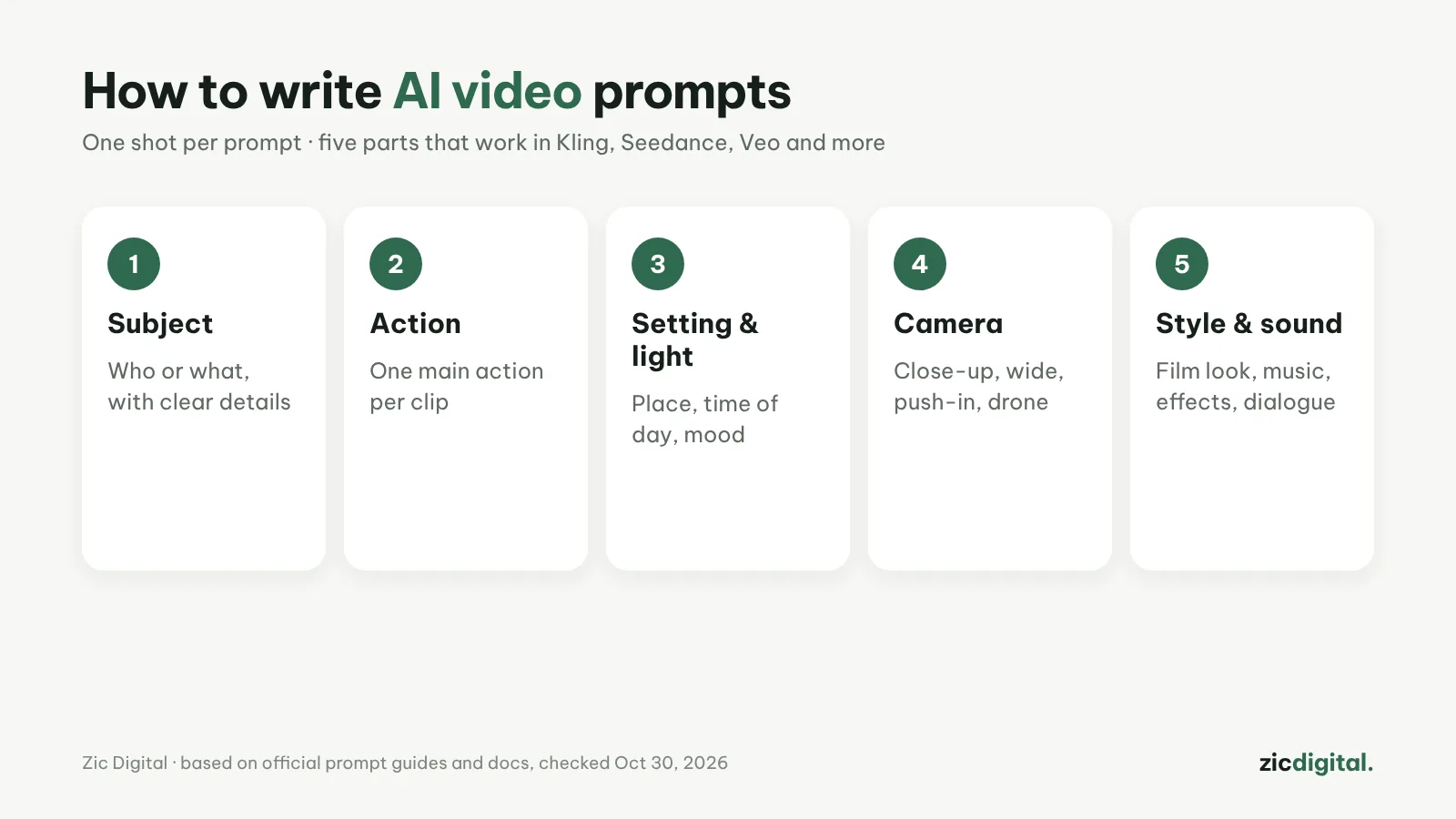
1. Subject
Say exactly who or what: age, clothing, materials, colors. “An elderly woman with silver hair in a blue linen shirt” beats “a woman” every time.
2. Action
One main action per clip, lasting 5–10 seconds. For several actions in a row, make several clips and join them in the edit.
3. Setting and light
Where, when and what mood: “a street corner in Hanoi at dawn, light mist, low golden sunlight”.
4. Camera
Use a camera operator’s words: close-up, wide shot, slow push-in, tracking shot, overhead. This is the part people forget most.
5. Style and sound
35mm film, animation, product ad… With tools that generate audio (Veo, Seedance, Kling), add sound effects, music or dialogue in quotes.
Tips for faster results
- Full example: “Close-up of an elderly woman with silver hair selling bread on a Hanoi street corner at dawn, steam rising from the oven, slow push-in, 35mm film look, distant motorbike sounds”
- For the same character across shots, start from an image (image-to-video) and reuse one reference image; Kling accepts up to 15 references
- Change one detail at a time so you know what made the difference
- Many models are most reliable in English; if results drift, try rewriting the prompt in English
Guide based on official help pages, docs and policies, checked October 30, 2026 — no affiliate links.
Read more: Kling AI review · Dreamina (Seedance) review · Google Flow (Veo) review · Kling vs Seedance (Dreamina) 2026 · How to Make Faceless YouTube Shorts with AI (2026) · 10 Best AI Video Generators in 2026