How to Make Faceless YouTube Shorts with AI (2026)
Five steps to Shorts without showing your face: script, AI voiceover, AI shots, editing in CapCut, uploading with the right label. Plus how to keep the channel eligible for monetization.
A faceless Shorts channel can be made almost entirely with AI: AI reads the script, AI makes the shots, you handle the ideas and the edit. But since 2025 YouTube has cracked down on mass-produced AI channels, so this workflow keeps your own creative input at the center.
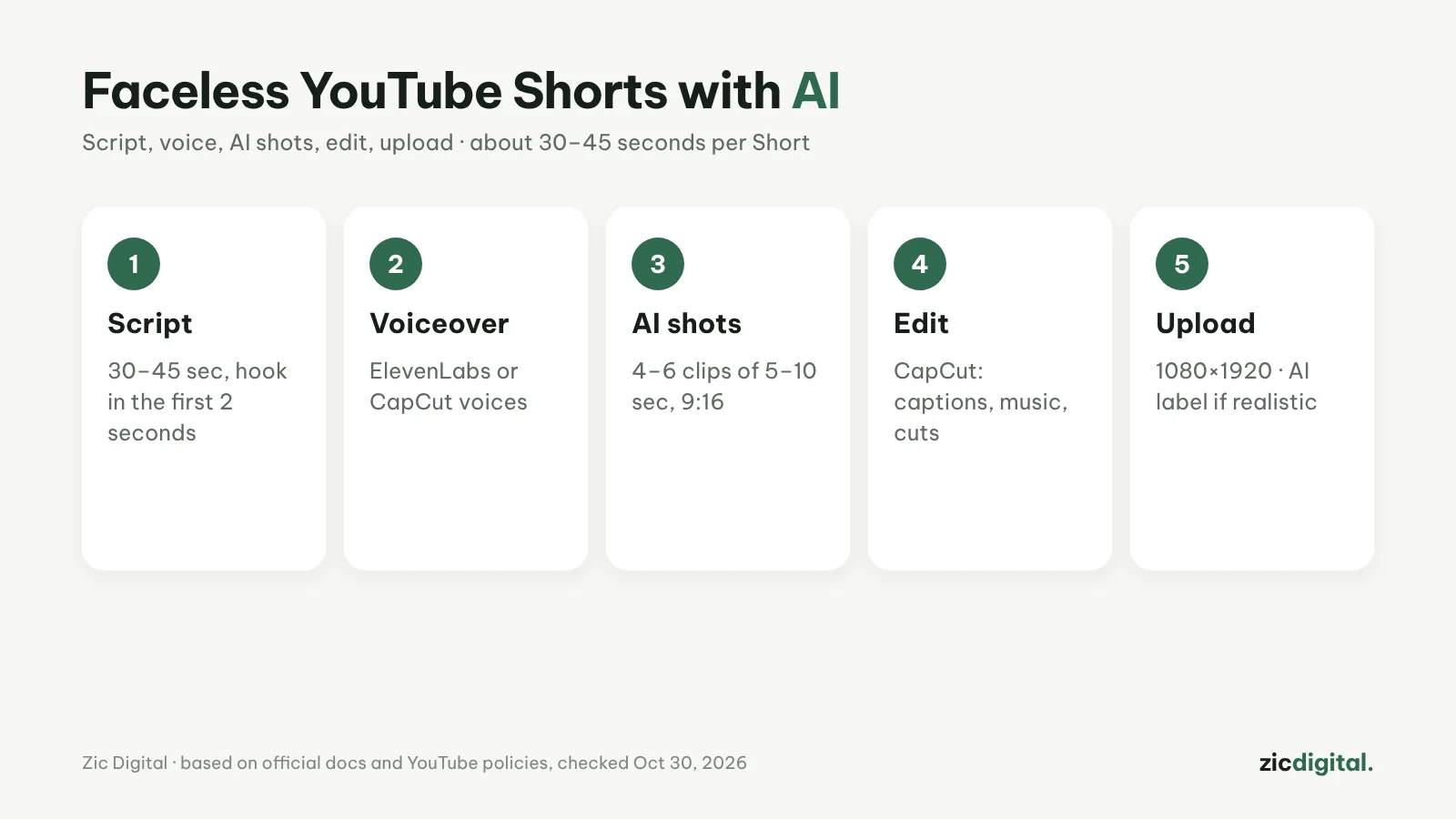
1. Write a 30–45 second script
One main idea per Short, with a hook in the first 2 seconds. Use vidIQ to find topics people search for, but write from your own angle.
2. Make the voiceover
For a few lines, CapCut’s built-in voices are enough; for a voice-driven channel use ElevenLabs (Starter includes a commercial license). Keep one voice across the channel.
3. Generate 4–6 AI shots
5–10 seconds each, vertical 9:16. Kling or Seedance suit Shorts and are cheap; reuse the same reference image so characters match between shots.
4. Edit in CapCut
Cut the shots to the voice, add auto captions, music from YouTube’s Audio Library and trim silences. Change the shot every 2–3 seconds.
5. Upload with the right label
Export at 1080×1920 and write a clear title. If shots look realistic, turn on the AI content disclosure at upload.
To stay eligible for monetization
- Every video needs your own angle, commentary or story, not just stitched AI shots
- Vary the format between videos instead of one template for hundreds of uploads
- Don’t use AI likenesses or voices of real people without consent
- Rough budget: 4–6 clips per Short; test with daily free credits first
Guide based on official help pages, docs and policies, checked October 30, 2026 — no affiliate links.
Read more: How to Write AI Video Prompts · Can You Monetize AI Videos on YouTube? The 2026 Rules · Kling AI review · How to Make an AI Voiceover for YouTube with ElevenLabs · How to Make YouTube Shorts in CapCut, Step by Step · Music for YouTube Without Copyright Claims · 10 Best AI Video Generators in 2026