YouTube Keyword Research with TubeBuddy (2026): 5 Steps
Five steps to find YouTube keywords with TubeBuddy's Keyword Explorer: install the extension, search a topic, read the estimates correctly, pick keywords that suit a small channel, use them in your title and description, then check results in YouTube Studio.
Keywords help YouTube understand what your video is about and help viewers find it in search. TubeBuddy's Keyword Explorer shows whether people search for a phrase and how many videos already compete for it. Here are five steps to use it for one video, from the idea to checking the results.
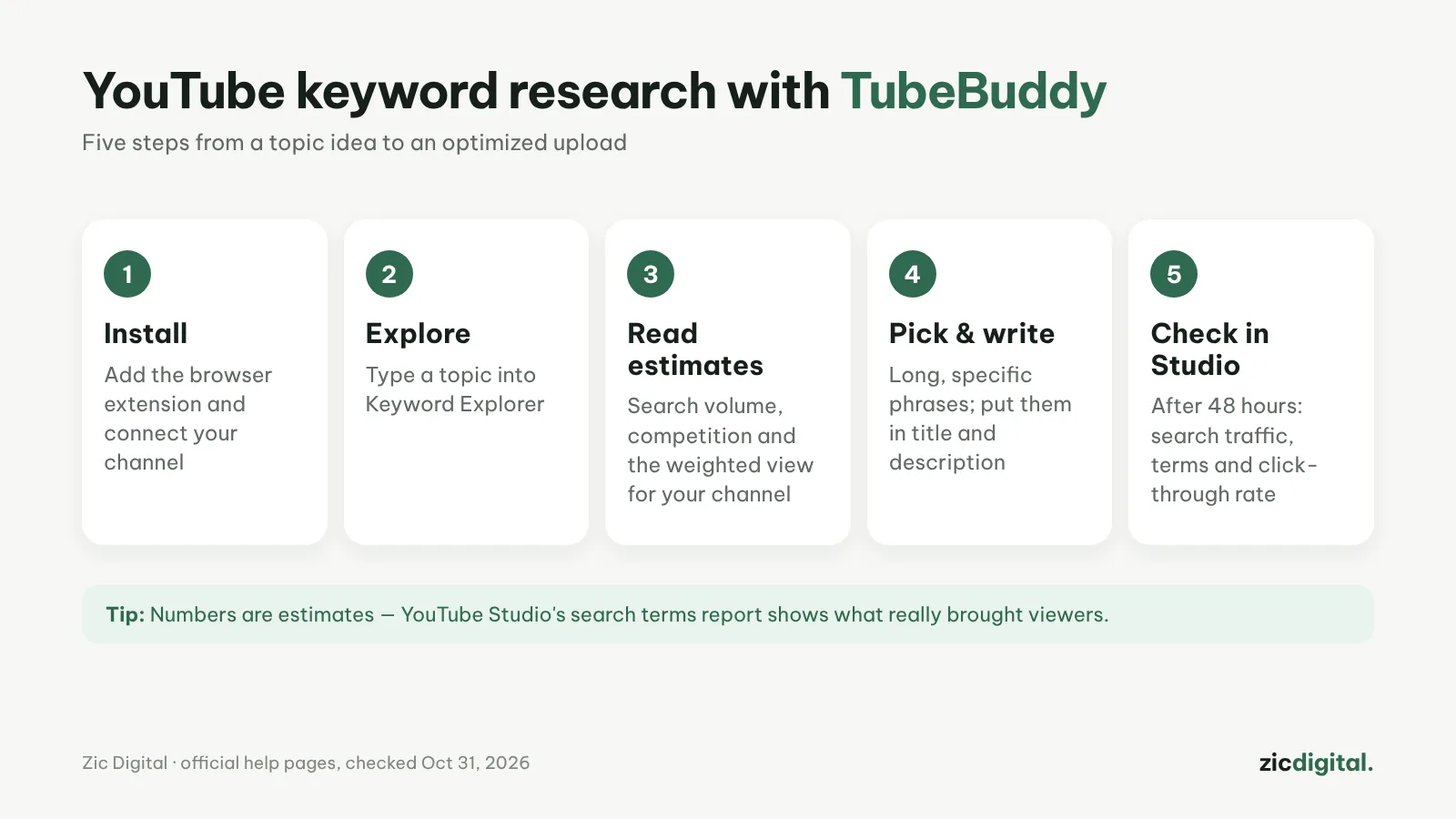
1. Install TubeBuddy and connect your channel
Add the TubeBuddy browser extension, sign in with your Google account and connect your YouTube channel. TubeBuddy's tools then appear right inside YouTube and YouTube Studio. Keyword Explorer and SEO Studio are included in both Pro and Legend.
2. Type a topic into Keyword Explorer
Start with the phrase viewers actually type, such as "how to make a youtube thumbnail" rather than "design". Keyword Explorer shows search volume, competition, a 30-day or 12-month trend, the top-ranking videos, commonly paired tags and longer phrase suggestions in the side column.
3. Read the results as estimates
Every number is TubeBuddy's estimate, not YouTube's own data. The weighted view also accounts for your channel's strength, so small channels should look at it rather than the general result. Check the top videos too: if big channels and old videos fill the first page, pick another phrase.
4. Choose keywords and write the title and description
Small channels should pick longer, specific phrases with moderate search volume. Put the main keyword near the start of the title and repeat it naturally in the first two lines of the description. SEO Studio helps you draft the title, description and tags before publishing; tags are secondary, since YouTube says they play a minimal role in helping viewers find a video. Your thumbnail still decides whether people click — see how to make YouTube thumbnails in Canva.
5. Check YouTube Studio after 48 hours
Go to Analytics → Reach, open the "YouTube search" traffic source and look at the search terms that brought viewers in. This is real data, more accurate than any estimate. If your chosen phrase doesn't show up, try a new title or thumbnail before changing the topic.
Tips
- One main keyword per video; don't cram several topics into one title.
- Save phrases that work in Tag Lists to reuse on videos about the same topic.
- Search Rank Tracking is only available in limited form on Legend; for most channels, the search terms report in YouTube Studio is enough.
- Yearly billing is 20% cheaper than monthly; nonprofits get a special discount.
Quick answers
TubeBuddy or vidIQ for keywords? Both give estimates. vidIQ is stronger on daily ideas; TubeBuddy is cheaper and adds bulk editing tools. See vidIQ vs TubeBuddy and YouTube SEO with vidIQ.
Do I need tags? Add a few for commonly misspelled words or names, but don't spend long on them: titles, descriptions and thumbnails matter far more.
How soon will I see results? Search data usually shows up within a few days. Compare over 1–2 weeks instead of changing the title again and again.
Steps based on official help pages, checked October 31, 2026; the interface may change with updates — no affiliate links.
Read more: TubeBuddy review · vidIQ vs TubeBuddy 2026 · vidIQ review · How to make YouTube thumbnails in Canva · YouTube creator toolkit 2026