How to Add Auto Captions in Adobe Premiere Mobile (Free)
Create free, unlimited auto captions in the Adobe Premiere phone app: 5 steps, how to fix mistakes and what to know about languages.
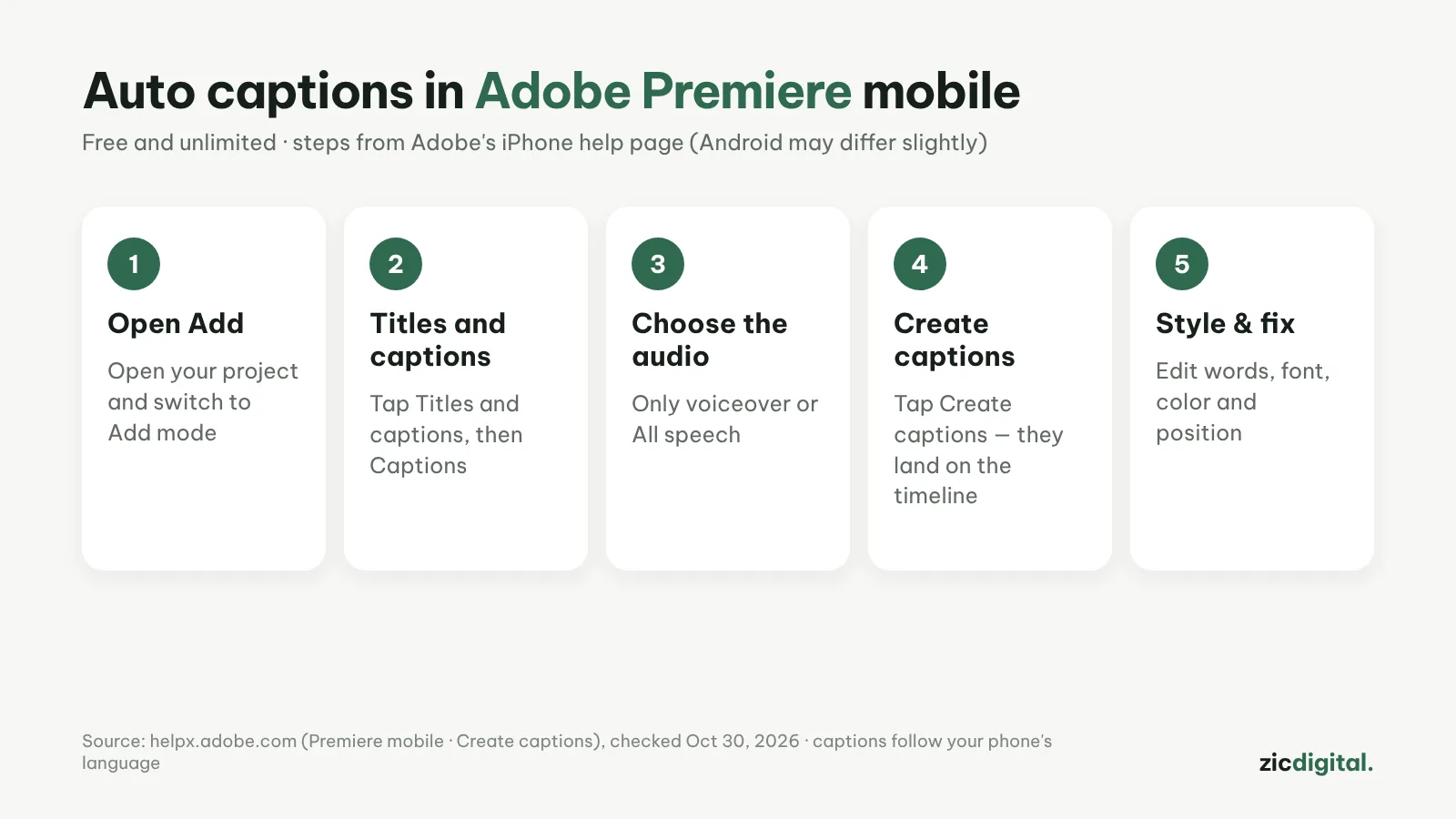
The Adobe Premiere phone app creates auto captions for free, with no limit, and exports without a watermark. The steps below follow Adobe's official help page for iPhone; the Android app may differ slightly.
Step by step
- Open your project and switch to Add mode.
- Tap Titles and captions, then Captions.
- Under Create from, pick Only voiceover or All speech.
- Turn on Replace existing captions to overwrite old ones, or leave it off to add new captions.
- Tap Create captions. They're added to the timeline; tap them to edit words, font, color and position.
Tips for cleaner captions
- Captions use your phone's language setting, so set it to the language you speak, if supported.
- Adobe warns that mixing English with another language can make captions inaccurate.
- Run Enhance Audio first: clearer speech means more accurate captions.
- Read through before exporting, especially names and numbers.
How much is free
Auto captions in the app are free and unlimited. Only generative AI (Firefly) features use credits.
Steps follow the official help page, checked October 30, 2026; menus may change with updates.
Read more: Adobe Premiere review · best free auto caption apps · CapCut auto captions · captions in Clipchamp · CapCut vs Adobe Premiere