InShot Review 2026: The Easiest Video App — Monthly or One-Time?
InShot — 7.9/10
InShot is the easiest app for quick clips, slideshows and collages, with 4K 60 fps export; the free version has a watermark and ads, and Pro offers a one-time option.
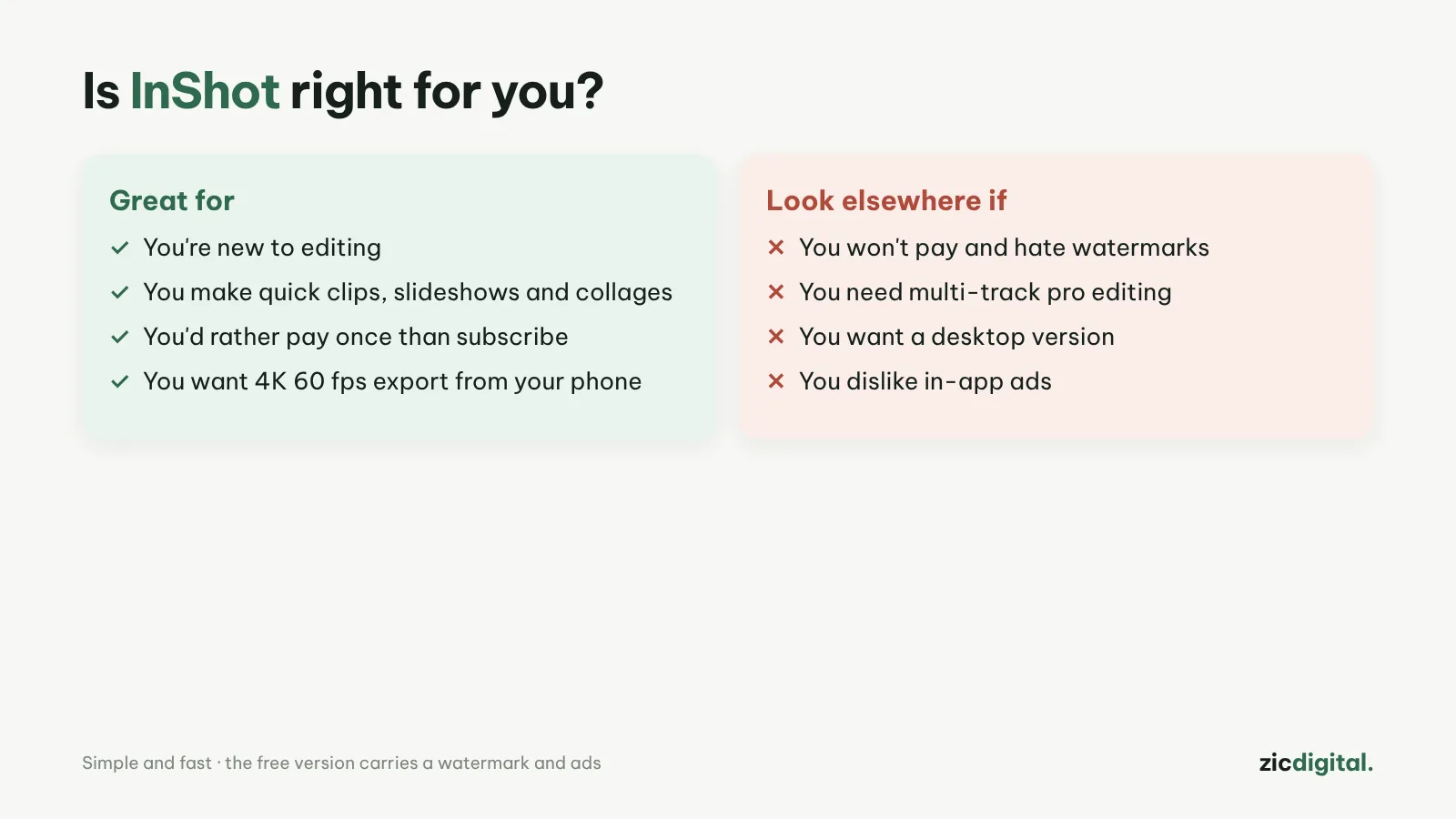
- You're new to editing
- You make quick clips, slideshows and collages
- You'd rather pay once than subscribe
- You won't pay and hate watermarks
- You need multi-track pro editing
- You want a desktop version
Easiest in its class, lots of AI tools, 4K 60 fps export, lifetime option
Free version has a watermark and ads; some effect packs sold separately
Based on InShot's US App Store listing and public user feedback, checked October 30, 2026
What InShot is
InShot is a video editor for iPhone and Android known for being easy: cuts, music, text, speed, chroma key, keyframes and collages of up to 20 photos. Recent updates added AI tools such as auto captions, silence cutting, background removal and voice enhance. Exports go up to 4K 60 fps.
Prices
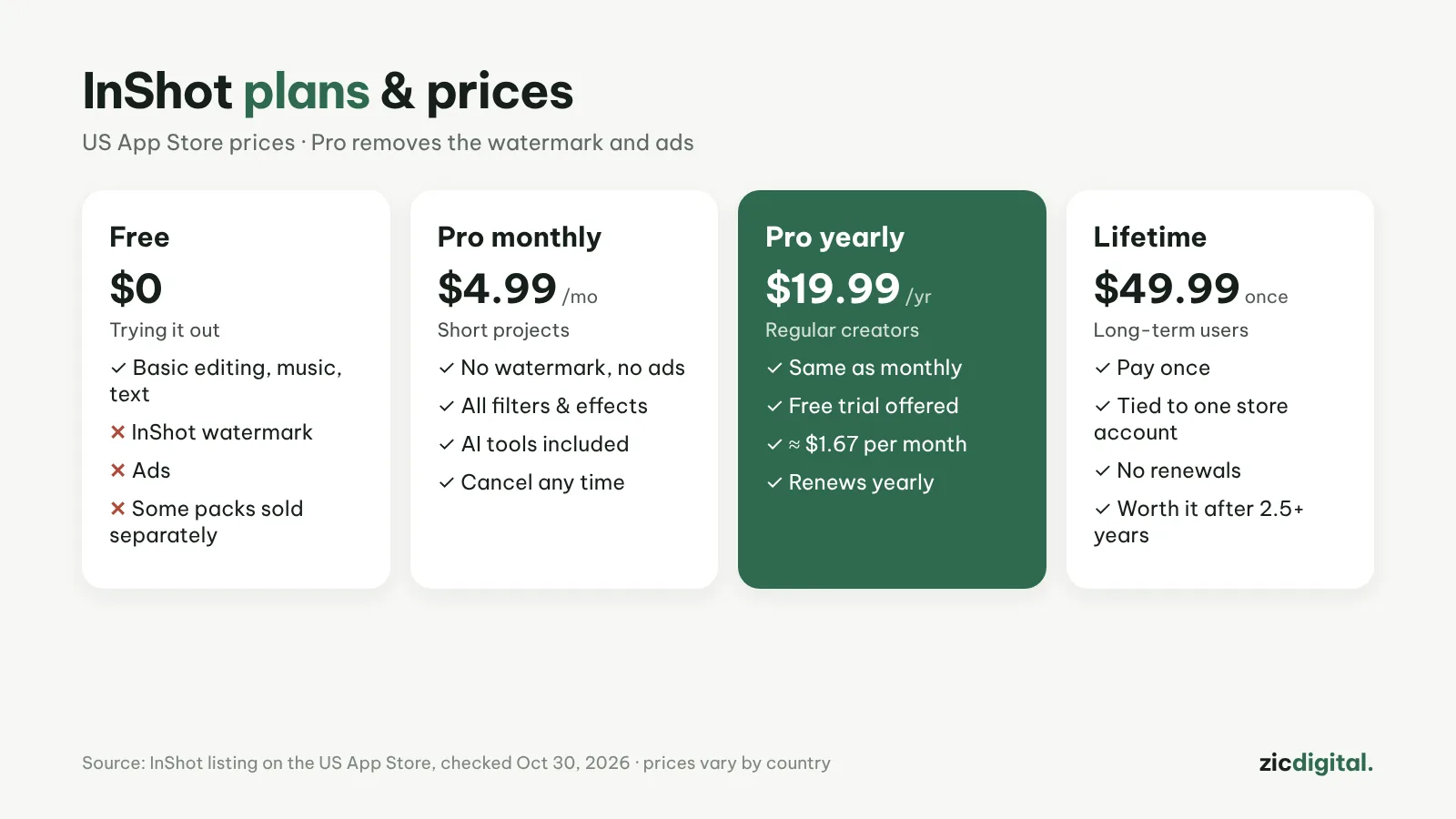
On the US App Store (October 2026): Pro is $4.99/month, $19.99/year (with a free trial) or $49.99 one-time. The free version adds an InShot watermark and shows ads. Prices vary by country.
Downsides
Removing the watermark costs money, unlike Edits or Adobe Premiere mobile. Some effect and filter packs are still sold separately. There's no desktop version.
Verdict
InShot suits beginners and quick clips. If you'll use it long-term, lifetime beats yearly after about 2.5 years. For free and watermark-free, see Edits or Adobe Premiere mobile. All options are in 8 best CapCut alternatives and our CapCut review.
Head-to-head: CapCut vs InShot · See also: Best free video editors for phones
How-to: Removing the InShot and Filmora watermark · Compare: InShot vs Edits