OBS Studio Review 2026: Free Screen Recording and Live Streaming
OBS Studio — 8.7/10
OBS Studio is free, open source, watermark-free and has no time limits; it is excellent for screen, webcam and live streaming, but takes time to learn and has no auto captions.
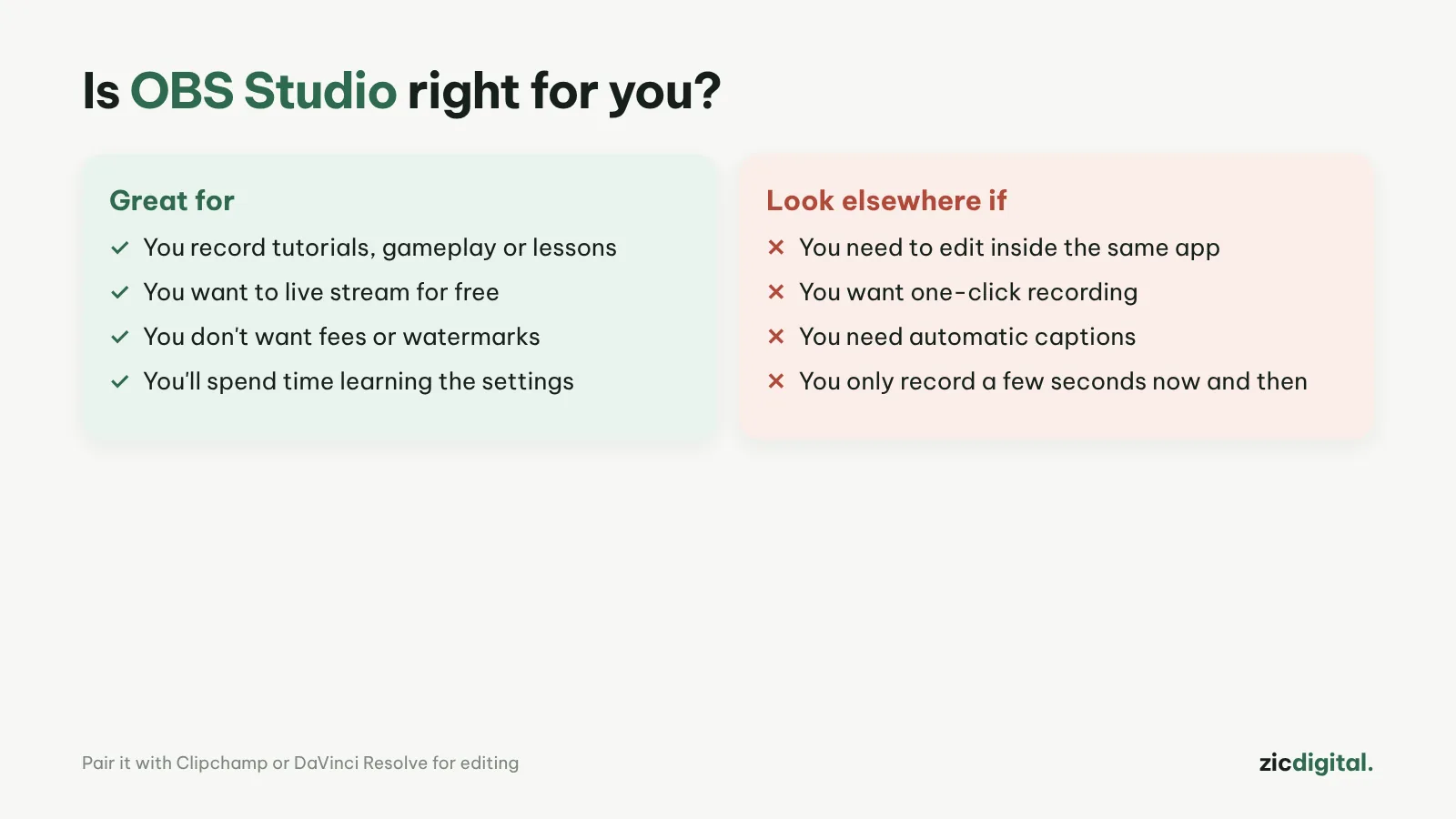
- You record tutorials, gameplay or lessons
- You want to live stream to YouTube or Twitch
- You don't want fees or watermarks
- You need to edit the video after recording
- You want one-click recording with no setup
- You need automatic captions
Completely free, no watermark, high-quality recording and streaming, lots of plugins
Hard for beginners, no built-in editor or auto captions
Research-based review: official pricing pages, help docs and public user feedback, checked October 30, 2026
What OBS Studio is
OBS Studio is free, open-source software for screen recording and live streaming, running on Windows 10/11, macOS 13 or later and Linux. You build "scenes" from your screen, webcam, images and text, then switch between them while recording or streaming.
Pricing and features
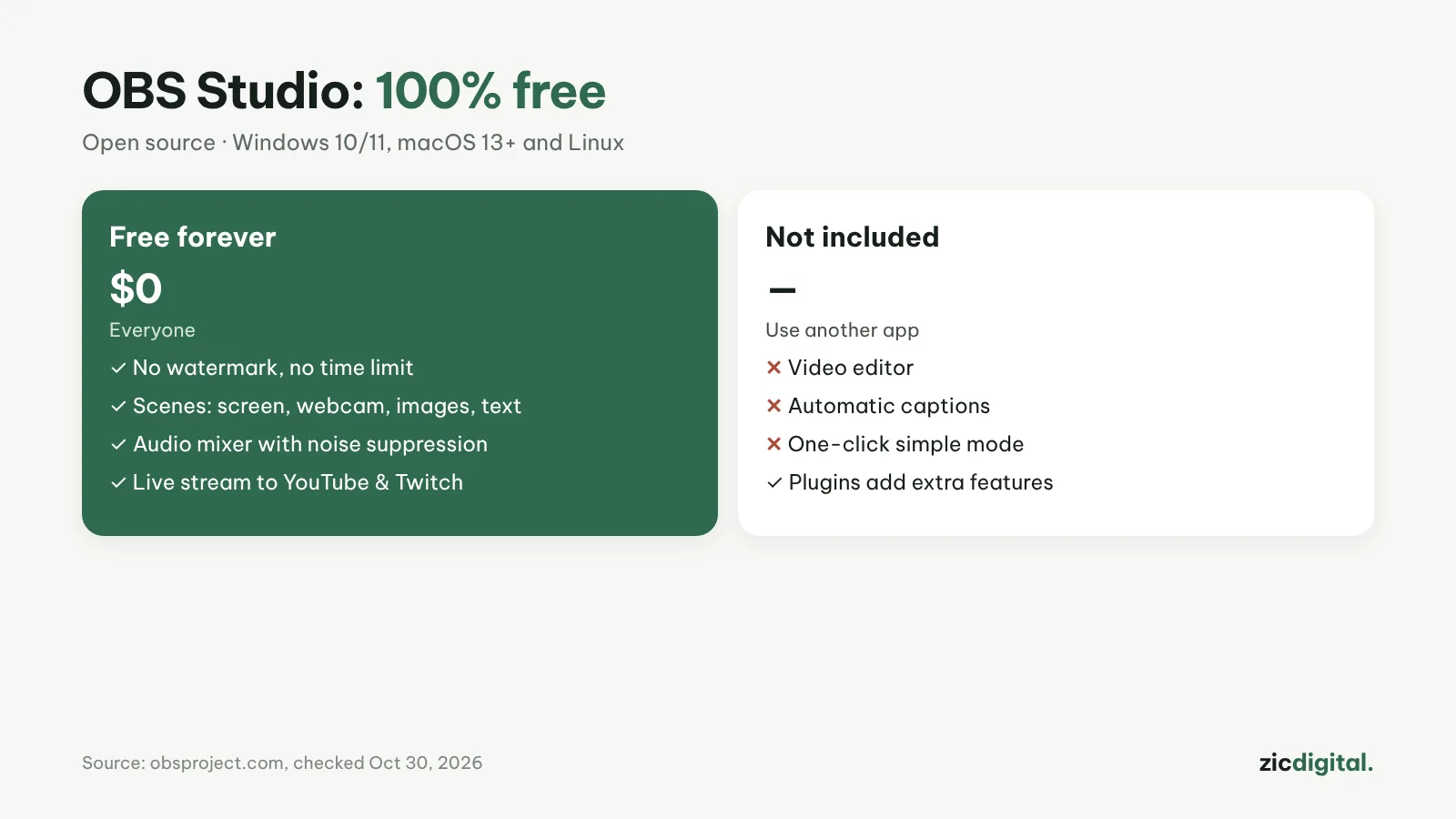
OBS is completely free: no paid plans, no watermark, no time limits. It has an audio mixer with filters such as noise suppression, Studio Mode to preview scenes, hotkeys and many community plugins.
Downsides
The first launch can overwhelm beginners with settings like bitrate, encoder and resolution. OBS only records and streams; there is no video editor or automatic captions.
Verdict
OBS is the top choice for free screen recording and live streaming. After recording, edit quickly on Windows with Clipchamp, or go deeper with editing and color grading in DaVinci Resolve. Not sure which? See Clipchamp vs DaVinci Resolve and best free video editors for Windows.
Compare: OBS Studio vs Clipchamp 2026
The full YouTube creator toolkit: YouTube Creator Toolkit 2026
See also: How to Record Your Screen with OBS Studio for YouTube (Free)