Clipchamp Review 2026: Built Into Windows — Is the Free Plan Enough?
Clipchamp — 8.3/10
Microsoft's Clipchamp comes with Windows and runs in the browser: the free plan exports 1080p with no watermark; 4K and premium stock need Premium.
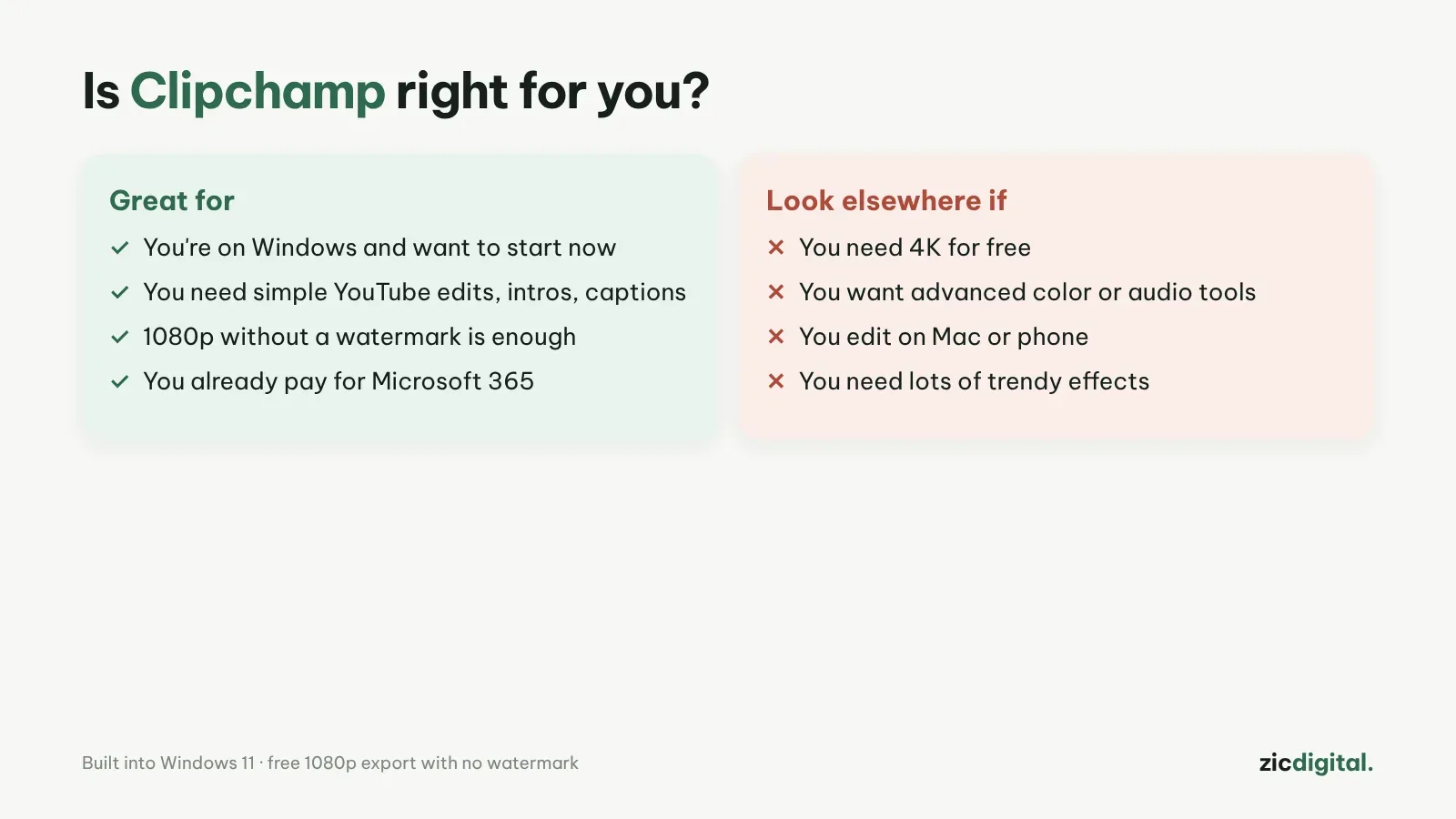
- You're on Windows and want to start right now
- You need simple YouTube edits, intros and captions
- You already pay for Microsoft 365
- You need free 4K export
- You want advanced color or audio tools
- You edit on a Mac or phone
Built into Windows 11, very easy, free 1080p with no watermark
4K and premium stock cost extra; fewer advanced tools
Based on Clipchamp's official pricing page and price trackers, checked October 30, 2026
What Clipchamp is
Clipchamp is Microsoft's video editor, built into Windows 11 and also available in the browser. Drag clips onto the timeline and add text, music, transitions, auto captions and ready-made templates for YouTube and TikTok.
Prices
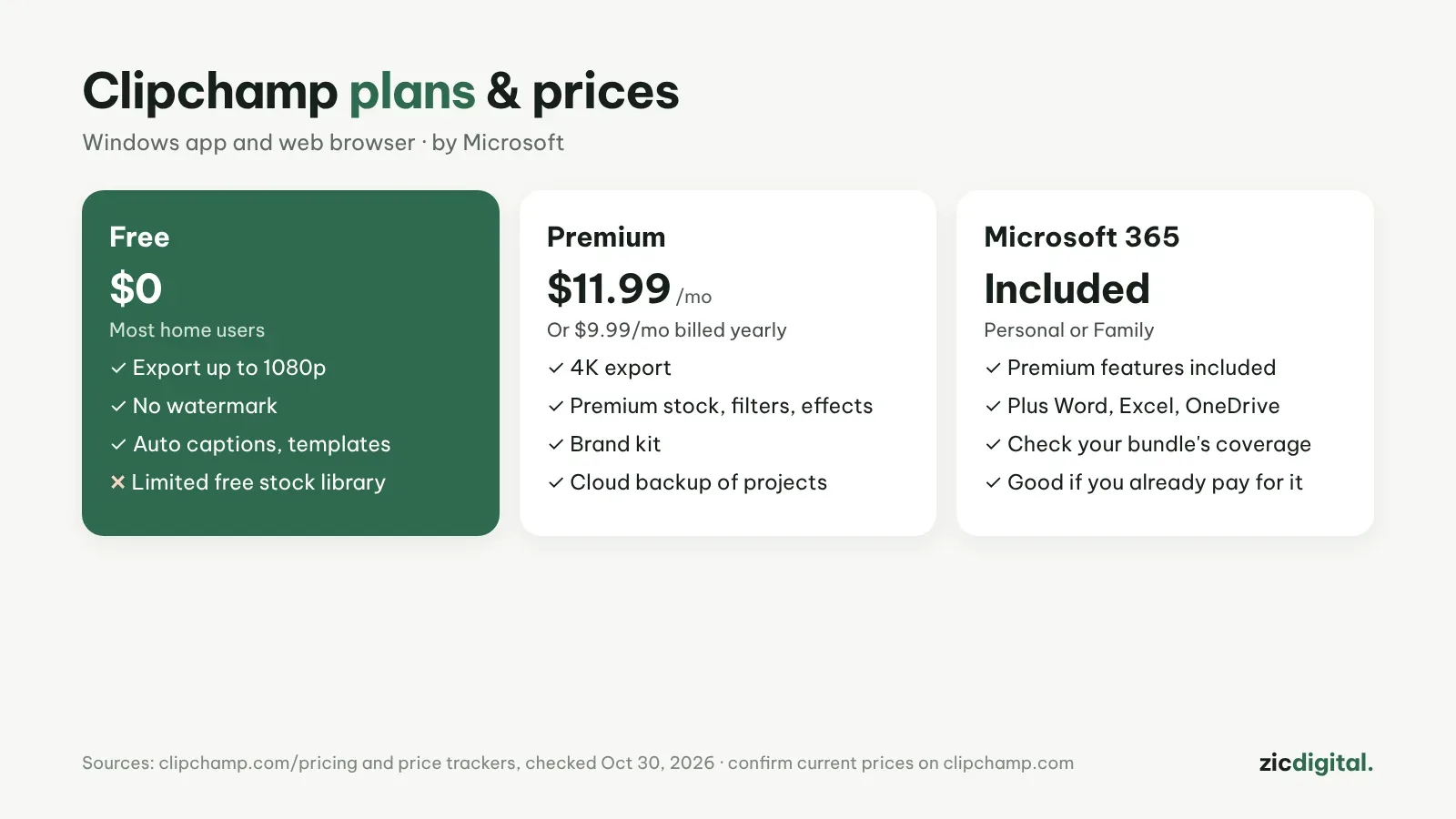
The free plan exports up to 1080p with no watermark, includes auto captions and a limited free stock library. Premium adds 4K export, premium stock, filters, effects and a brand kit: about $11.99/month, or $9.99/month billed yearly, according to price trackers. Premium also comes with Microsoft 365 Personal and Family. Check current prices on clipchamp.com.
Downsides
The free plan stops at 1080p. Color, audio and effects tools are lighter than in DaVinci Resolve or Filmora. There's no Mac app.
Verdict
If you're on Windows and need a clean video in 15 minutes, Clipchamp is the easiest place to start. For more power while staying free, pick DaVinci Resolve; for lots of effects, see Filmora. All options are in 8 best CapCut alternatives and our CapCut review.
Head-to-head: CapCut vs Clipchamp · See also: Best free video editors for Windows
How-to: Captions in Clipchamp · Compare: Clipchamp vs DaVinci Resolve · Canva vs Clipchamp
Pairs well with: OBS Studio – Free screen recording · Epidemic Sound – Music for YouTube
Compare: OBS Studio vs Clipchamp 2026