DaVinci Resolve Review 2026: The Best Free Pro Video Editor?
DaVinci Resolve — 8.8/10
The free version rivals paid editors with no watermark, and Studio is a one-time purchase; in return it takes time to learn and needs a capable computer.
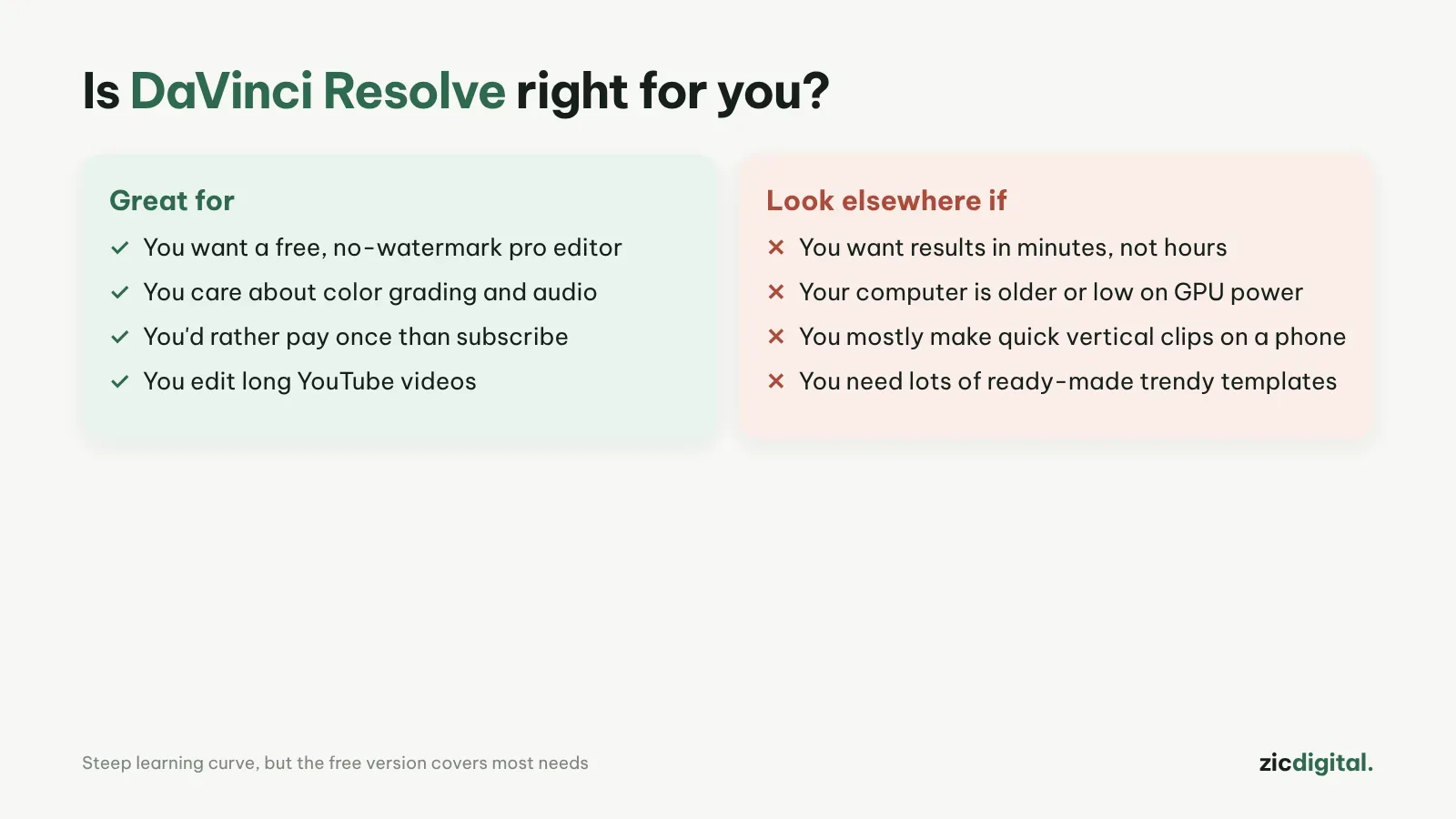
- You want a free, pro-grade editor with no watermark
- You care about color grading and audio
- You'd rather pay once than subscribe
- You need a finished video in minutes
- Your computer is old or has a weak graphics card
- You mostly make quick vertical clips on a phone
Very powerful free version, no watermark, one-time Studio license
Hard for beginners to learn; needs a fairly powerful computer
Checked the official product page and version 21 details on Oct 29, 2026
What DaVinci Resolve is
Blackmagic Design's video editor combines editing, color grading, effects (Fusion) and audio (Fairlight) in one app. Version 21 was released in June 2026 for Windows, macOS and Linux, and there is also an iPad version.
What the free version does
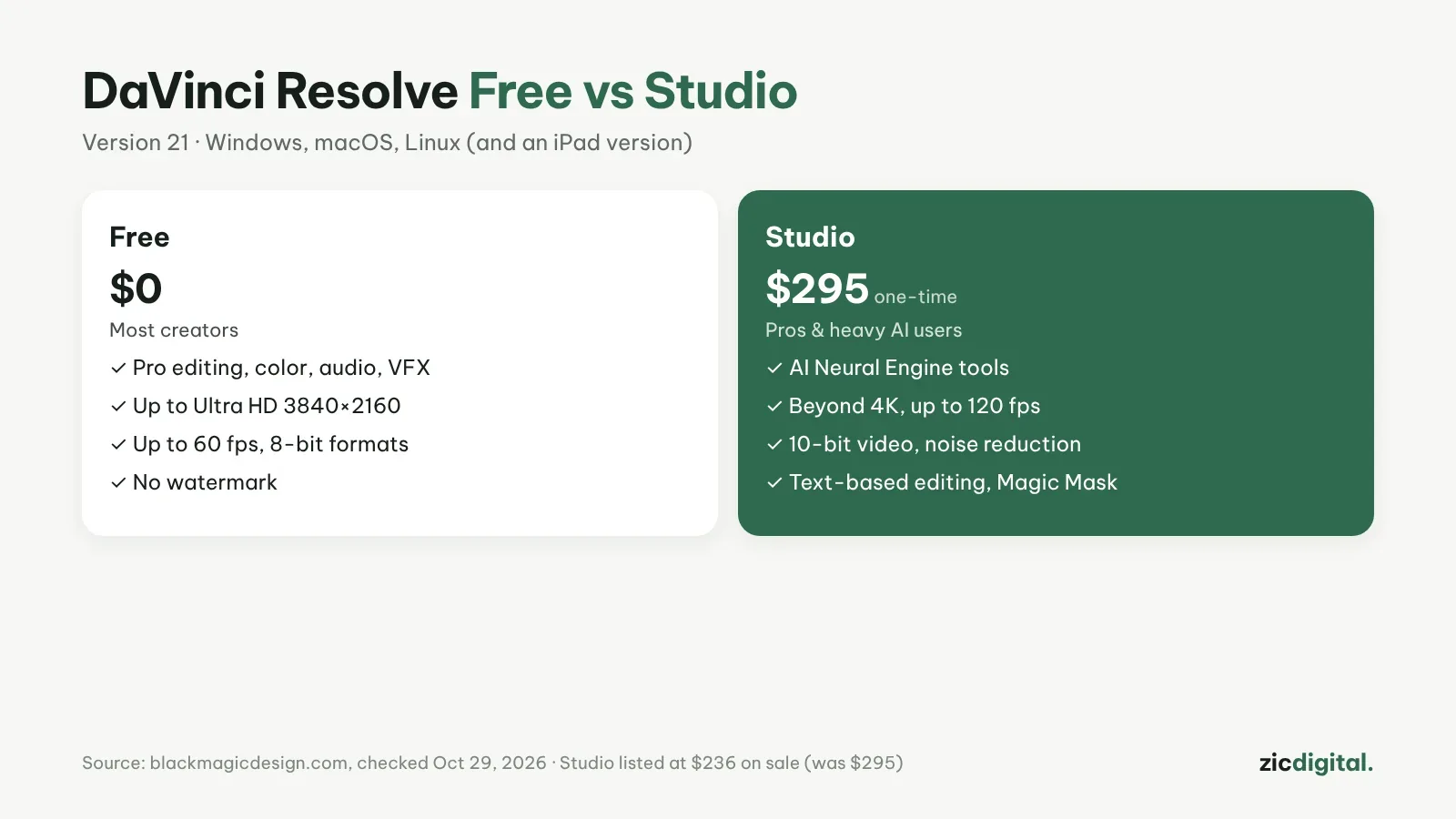
A lot: professional editing, color, audio, effects, exports up to Ultra HD 3840×2160 at 60 fps, and no watermark. For most YouTube creators, the free version is enough.
Is Studio worth $295?
Studio is a one-time purchase with no monthly fee. It adds AI tools (the Neural Engine), 10-bit video, resolutions beyond 4K, up to 120 fps, noise reduction and text-based editing. On October 29, 2026 the official page listed it on sale at $236. Studio is worth it if you edit professionally or need the AI tools.
Downsides
The interface has many pages and buttons, and beginners need a few weeks to get comfortable. Older computers or weak graphics cards will run slowly.
Verdict
If you're willing to learn, DaVinci Resolve is the most powerful option at a price of zero. For speed and templates, CapCut is still easier — see CapCut vs DaVinci Resolve.
How-to: DaVinci Resolve export settings for YouTube · Compare: DaVinci Resolve vs Filmora · Clipchamp vs DaVinci Resolve
Pairs well with: Artlist – Music & stock footage · Epidemic Sound – Music for YouTube · OBS Studio – Free screen recording