Synthesia Review 2026: AI Presenter Videos for Training and Business
Synthesia — 8.4/10
Synthesia makes AI presenter videos for training and internal guides in 140+ languages; free plan with 10 minutes of video, Starter at $19/month, Pro at $89/month.
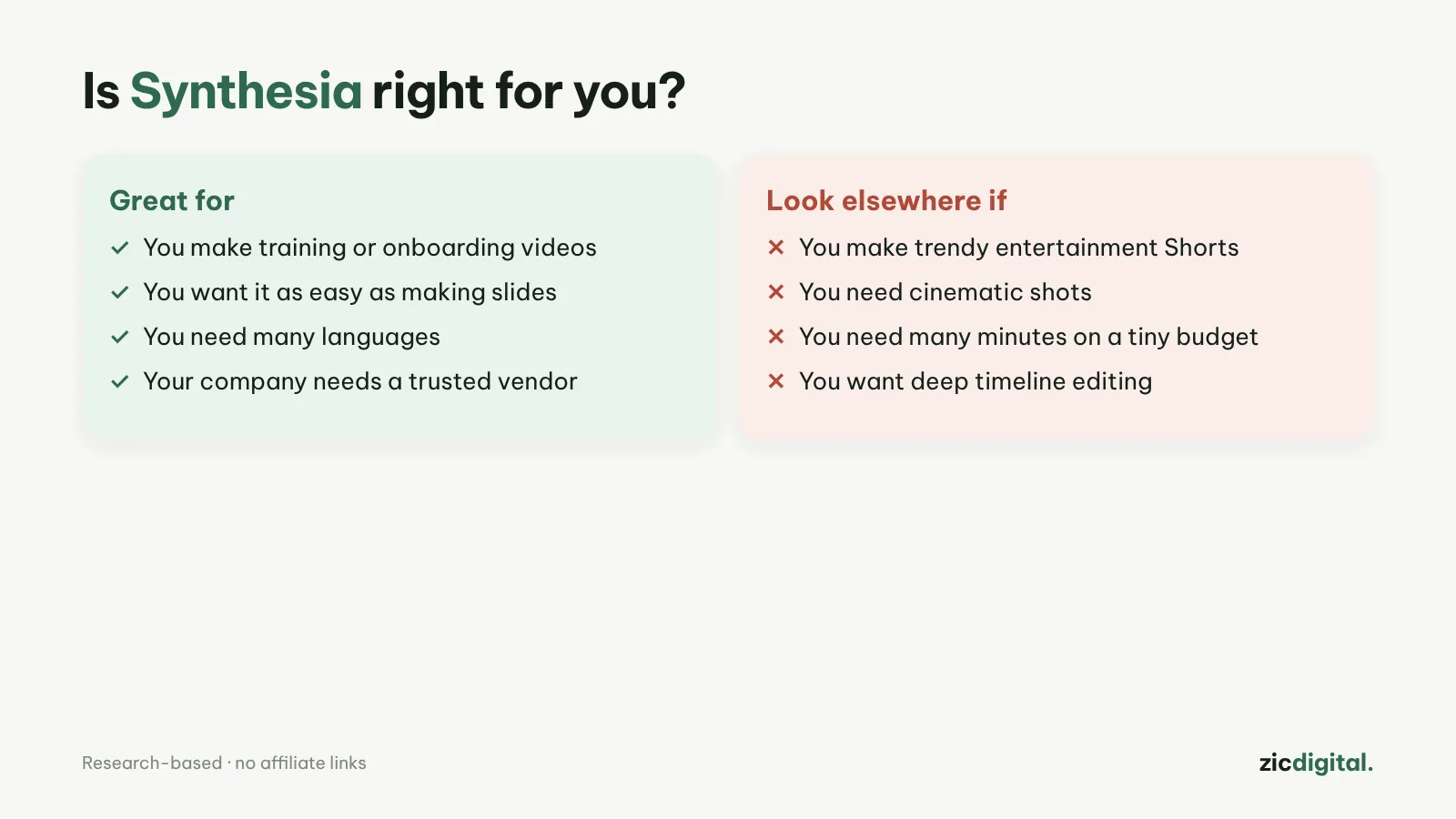
- You make training or product walkthrough videos
- You want an interface as easy as making slides
- You need a tool businesses trust
- You make entertaining, trend-driven Shorts
- You need cinematic shots
- Your budget is tiny but you need lots of minutes
As easy as slides, 140+ languages, free plan with 10 minutes, built for businesses
Free plan has a watermark and no downloads; Starter includes few minutes
Research-based review: official pricing pages, docs, the Artificial Analysis leaderboard and public user feedback, checked October 30, 2026
What Synthesia is
Synthesia makes videos with an AI presenter from a script, in an interface that feels like building slides: pick a template, type the lines, choose an avatar. It’s strongest for training, product walkthroughs and internal business videos, with 140+ languages and voices.
Pricing
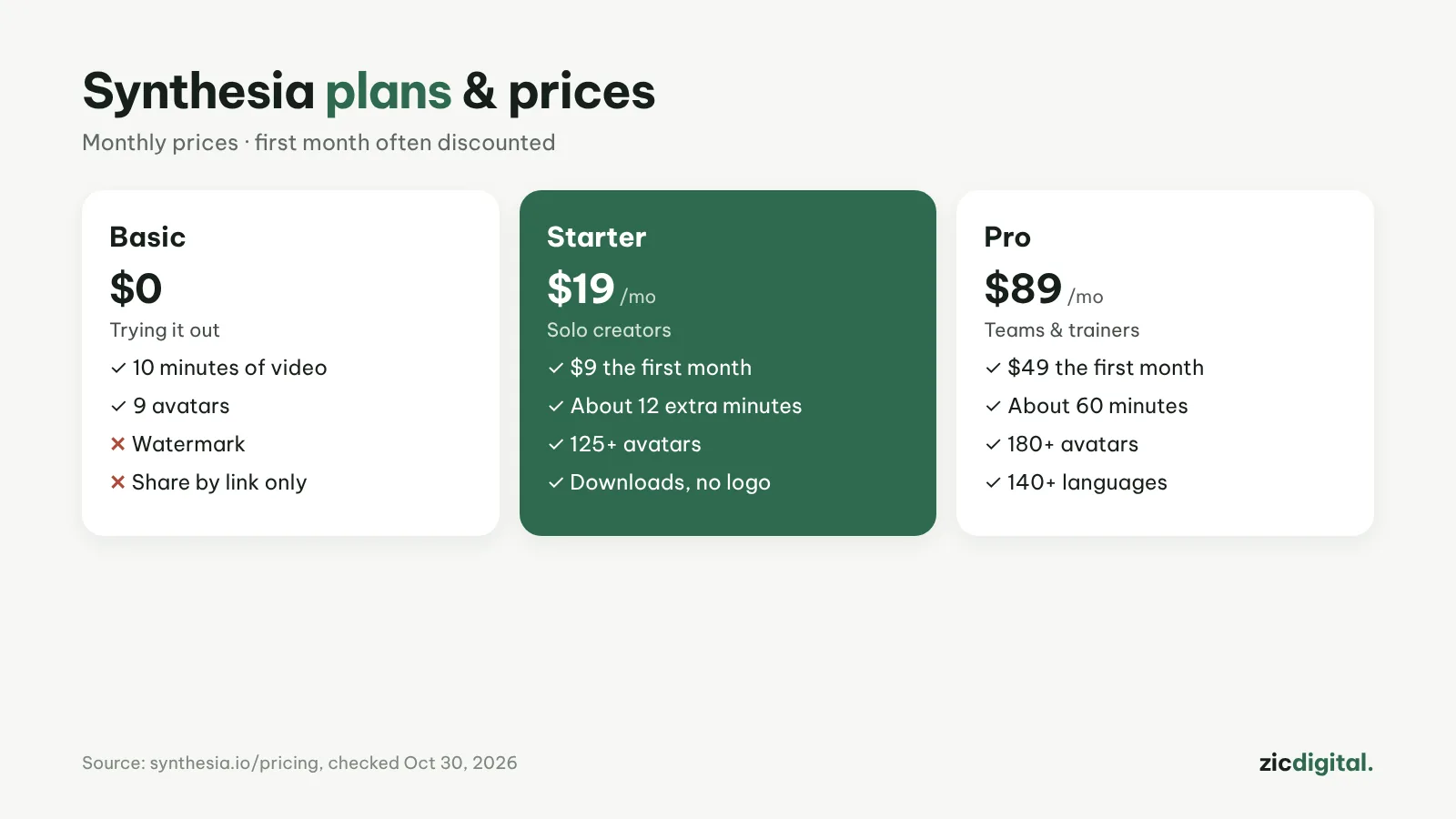
According to the pricing page on October 30, 2026: Basic is free (10 minutes of video or dubbing, 9 avatars, watermark); Starter $19/month ($9 the first month, about 12 extra minutes, 125+ avatars, downloads and logo removal); Pro $89/month ($49 the first month, about 60 minutes, 180+ avatars). Yearly billing saves up to 4 months.
Downsides
The free plan only shares via link and adds a watermark. Starter’s minutes run out quickly if you post often. Synthesia doesn’t make cinematic footage.
Verdict
Synthesia suits businesses, teachers and training creators. For a presenter on a YouTube channel and multi-language dubbing, see HeyGen. Edit the script as text: editing video by text in Descript; add captions: best free auto caption apps; make intro slides: Canva vs Clipchamp.
Compare: HeyGen vs Synthesia 2026